Company Search
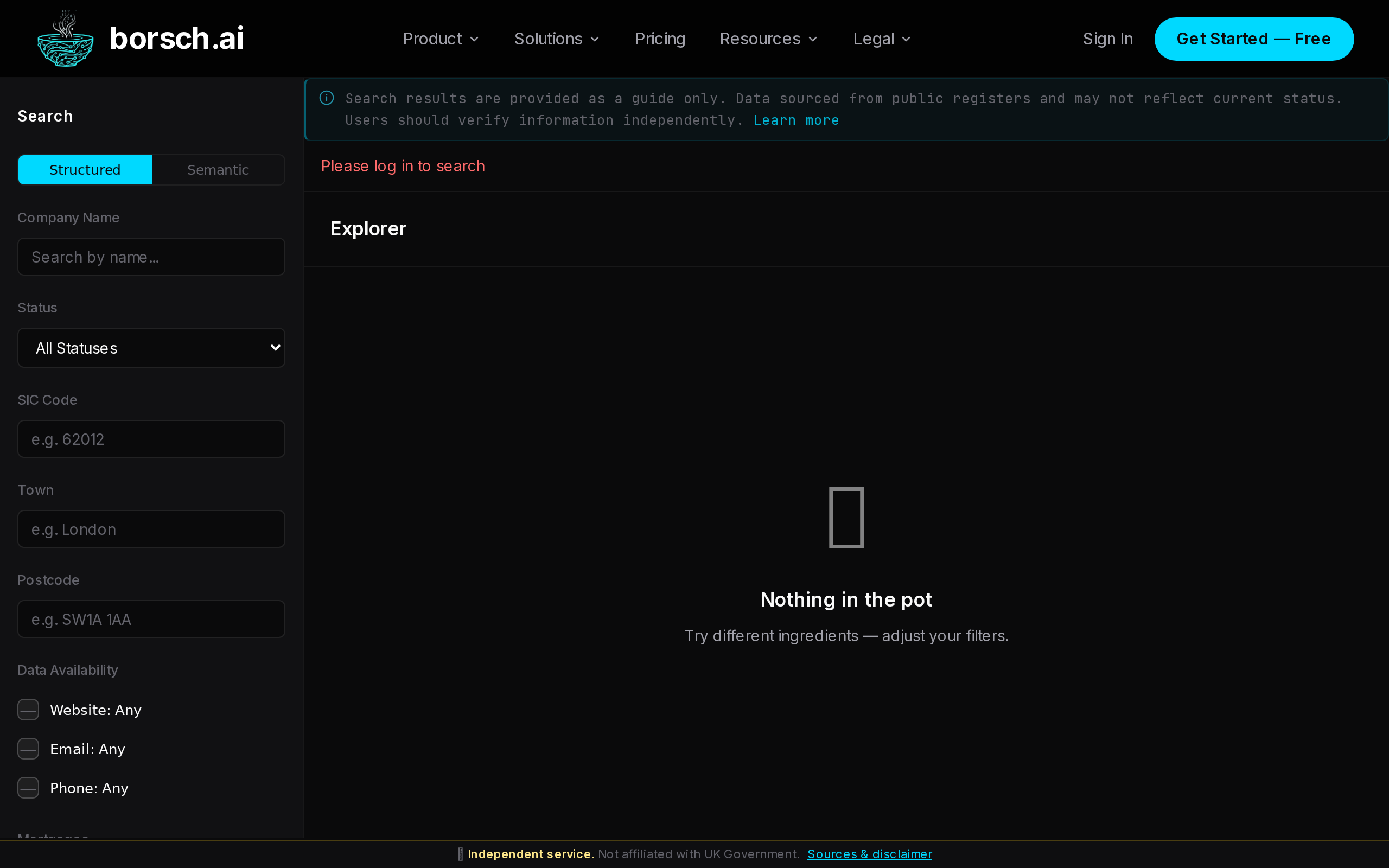
Find any of the 5.9 million UK companies in our database. Search by name, company number, SIC code, location, or use natural language to describe what you are looking for.
Search Methods
The Explorer supports five different ways to find companies. You can combine any search query with advanced filters to narrow results.
Name Search
Type a company name or 8-digit company number. Partial names work too — searching “Revolut” will match “Revolut Ltd”, “Revolut Group”, and related entities.
SIC Code Search
Enter a Standard Industrial Classification code to find companies by industry. For example,
62020 returns IT consultancy firms, 41201 returns construction companies.Location Search
Search by full or partial postcode, town name, or county. Enter “EC2A” for Shoreditch-based companies or “Manchester” for all companies in that city.
Semantic Search
Describe what a company does in natural language. Try queries like “fintech companies in London” or “renewable energy manufacturers”. The search understands meaning, not just keywords.
Advanced Filters
Narrow results by company status, whether they have a website or email, mortgage counts, and more. Filters can be combined with any search method above.
Using the Explorer
1
Open the Explorer
Click “Explorer” in the sidebar navigation, or go directly to uvagatron.com/explorer. The search page loads with an empty query ready for input.
2
Type your search query
Enter a company name, number, SIC code, location, or natural language description in the search bar. Results appear as you type for name and number searches. Press Enter or click Search to run semantic or filtered queries.
3
Apply filters
Expand the filters panel to refine your results. Choose a company status, restrict to companies with a website, filter by postcode area, or set mortgage thresholds. Filters update results automatically.
4
Open a company profile
Click any result row to open the full company profile with risk scores, signals, directors, entity network, financial data, and more.
Advanced Filters
Use filters to narrow your search results. All filters are optional and can be combined freely.
| Filter | Description | Example |
|---|---|---|
| Company Status | Filter by registration status — Active, Dissolved, Liquidation, In Administration, etc. | Active |
| SIC Code | Standard Industrial Classification code for industry filtering | 62020 |
| Postcode / Town | Filter by postcode prefix or registered town name | EC2A, Manchester |
| Has Website | Only show companies with a verified website URL | Yes / No |
| Has Email | Only show companies with a known email address | Yes / No |
| Has Phone | Only show companies with a known phone number | Yes / No |
| Mortgages (min) | Minimum number of mortgage charges registered with Companies House | 1 |
| Mortgages (max) | Maximum number of mortgage charges | 10 |
CSV Export
Export your search results as a CSV file for use in spreadsheets or other tools. Click the Export CSV button in the results bar above the search results table.
The exported file includes company name, number, status, SIC codes, registered address, incorporation date, and contact details where available.
| Plan | Max Results per Export |
|---|---|
| Free | 20 results |
| Pro | 100 results |
| Business | 100 results |
| Scale+ | 100 results |
Note
CSV export counts against your monthly API token usage. Each export uses a small number of tokens based on the result count.Search Tips
Tips for better results
- Use the 8-digit company number for an exact match — e.g.
09215862takes you directly to that company. - Use semantic search to search by what companies do, not just their names. “AI-powered drug discovery startups” works better than guessing company names.
- Combine a SIC code with a location to find companies in a specific industry and area — e.g. SIC 62020 + postcode EC2A for tech consultancies in Shoreditch.
- Filter by “Has Website” to focus on companies with an online presence, which tend to have richer data in their profiles.
- Set the status filter to “Active” to exclude dissolved and struck-off companies from your results.